
What is the TOEFL Writing section format in 2026?
TOEFL Writing is about 23 minutes with three task types: Build a Sentence (10 drag-and-drop grammar items), Write an Email (7 minutes responding to a scenario), and Write for an Academic Discussion (10 minutes posting a supported opinion in an online class thread). Scored on the 1-6 band scale.
The two short writing tasks
Before the long task, two shorter formats test sentence control and functional writing.
Build a Sentence
You see one sentence of a short exchange, then the reply with its middle words scrambled in a bank. Drag the words into order to make a grammatical, appropriate reply — 10 items, machine scored.
What it tests
Command of English sentence structure — word order, question forms, embedded clauses, and the collocations that make a reply sound natural.
How to solve it
Find the fixed first and last words, then place the verb. Read the completed reply back against the prompt before confirming.
Write an Email
A campus or everyday scenario asks you to write an email with a clear communicative goal — making a request, proposing a solution, or responding to a situation — covering all the required points in 7 minutes.
What a high-scoring email needs
Write for an Academic Discussion
You join an online class discussion: a professor poses a question and two students post opinions. You have 10 minutes to contribute your own view — adding something new, not repeating the two posts.
Three ways to contribute
Extend a viewpoint
Agree with one student and add a reason or example they did not give.
Respectfully disagree
Challenge one post with a counter-reason — name the gap in their argument.
Add a new angle
Introduce a consideration neither student raised — the strongest move when you can support it.
A reliable 10-minute structure
How Writing is scored
Build a Sentence is machine scored; the Email and Academic Discussion are AI-scored on rubric criteria, then converted to a 1-6 section band.
Task achievement
Did you do what the prompt asked — every required point in the email, a clear contribution in the discussion?
Organization & coherence
Logical order, connected sentences, purposeful paragraphs.
Language use
Range and accuracy of grammar — varied structures used correctly, not just safe ones.
Vocabulary & mechanics
Precise word choice, correct spelling and punctuation, register that fits the task.
Practical tips that move your band
How LingoForge grades your writing
Submit a response and get rubric-based feedback in seconds — scored on the same 1-6 band scale as the real test, with a comparable 0-120 estimate.
Band-scaled scoring
Estimated band on the new 1-6 scale plus a legacy 0-120 equivalent for comparison.
Criterion breakdown
See which rubric dimension — task, organization, language, vocabulary — is holding your score back.
Inline corrections
Grammar, word choice, and mechanics flagged in place with corrected versions.
Rewrite suggestions
A model response at a higher band so you can compare structure, not just errors.
How to practice
Practice TOEFL Writing on LingoForge
From prompt to band-level feedback in three steps.
Pick a Writing task
Choose Email or Academic Discussion practice — real-format prompts with the same time limits.
- Match the task to your weakest criterion
- Keep the timer on — pacing is part of the score
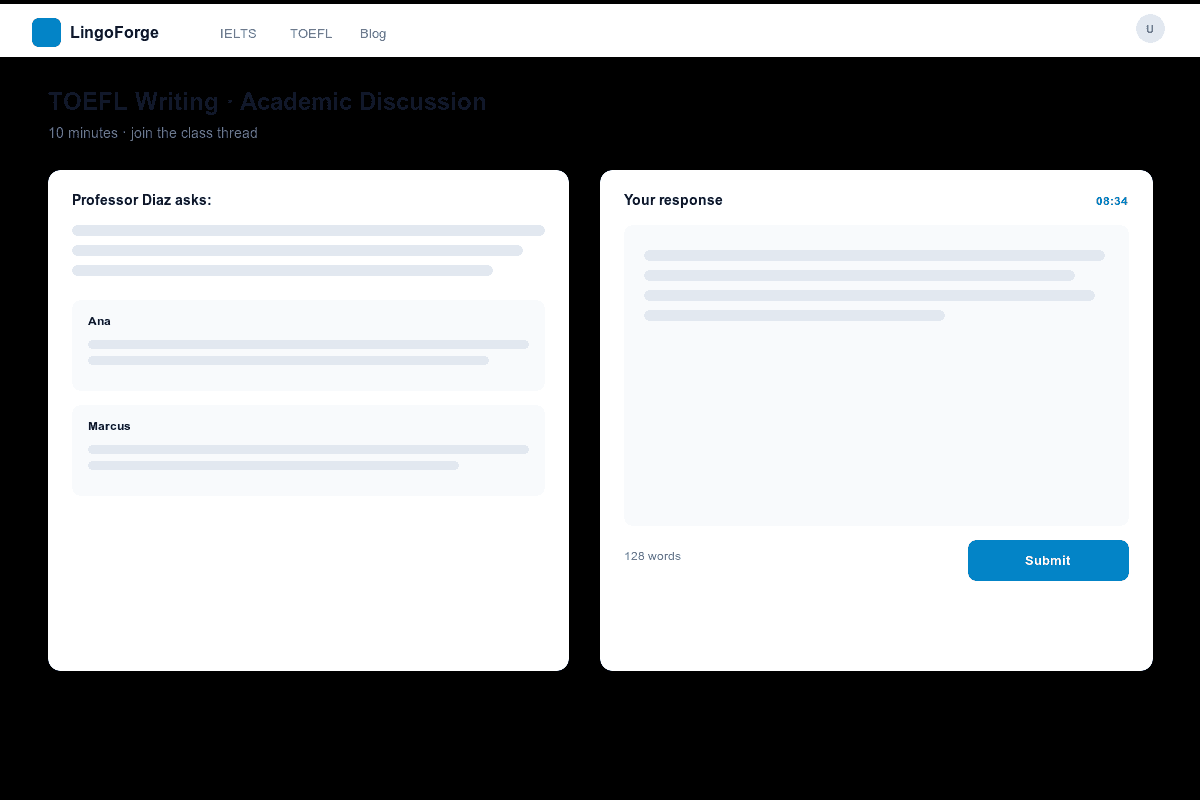
Write under time
Compose your response in the exam-style editor within the task's time limit.
- Plan for 2 minutes, write for 6, proof for 2
- Cover every required point before polishing
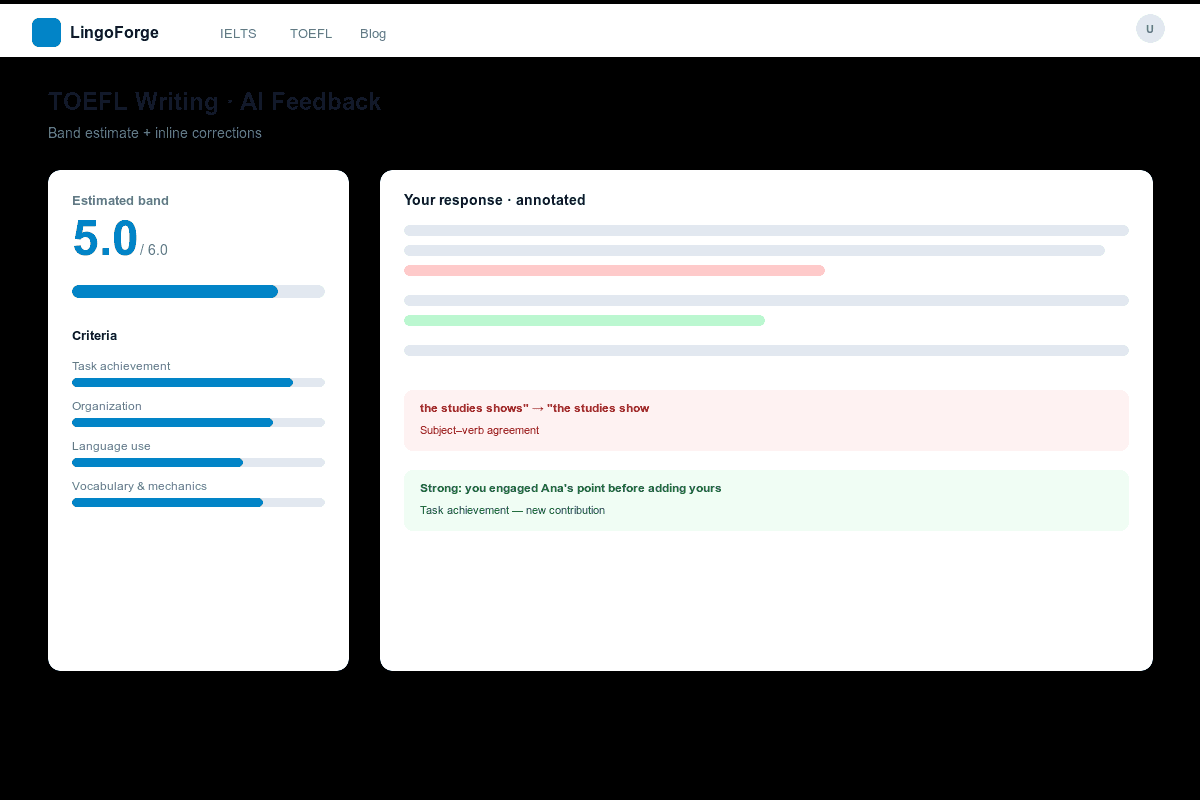
Review AI feedback
Get your band estimate, criterion breakdown, corrections, and a higher-band model answer.
- Rewrite once applying the feedback — the second attempt teaches the most
- Compare your structure to the model, not just the words
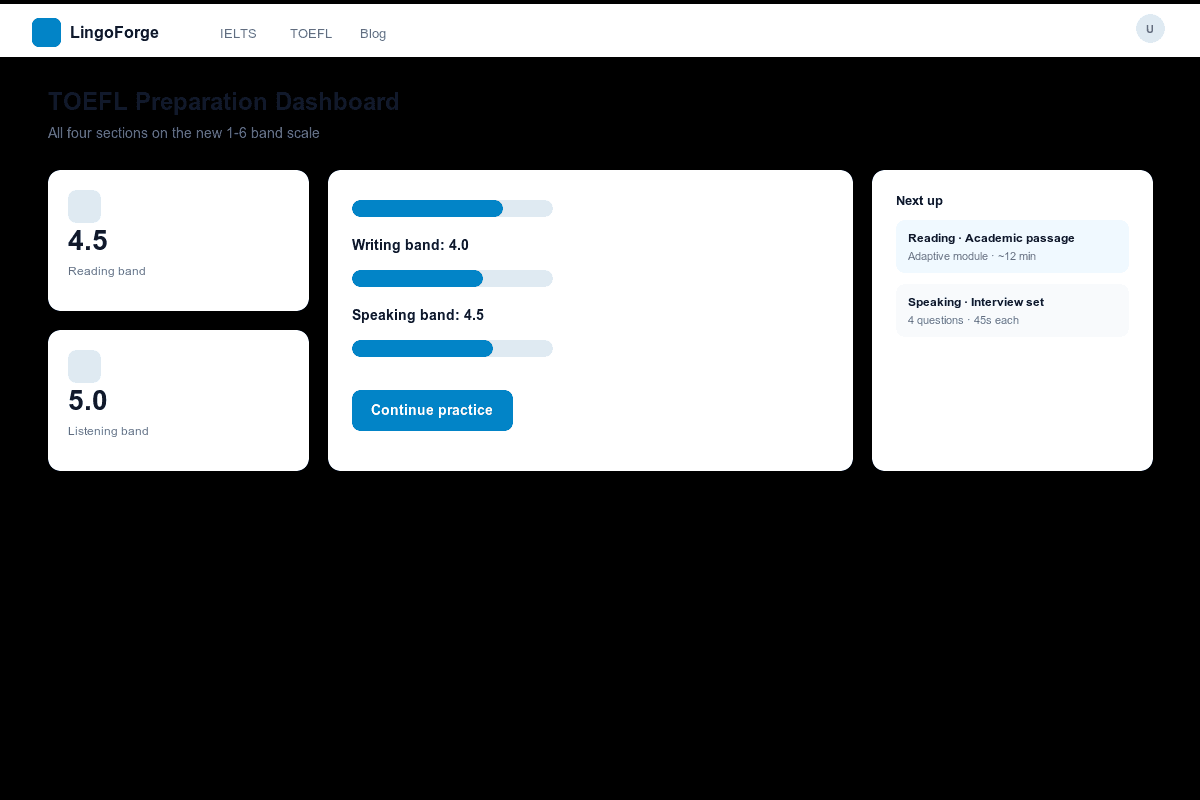
Official TOEFL sources
The exam-format facts on this page are checked against official ETS resources. Retrieved 2026-11-03.
Ready to practice TOEFL Writing?
Write a response now and get instant AI feedback on the 1-6 band scale.
Practice TOEFL Writing